NexEatsQR ordering and digital menus for restaurants
QR code ordering that keeps tables turning
Give every table a QR code. Guests browse a live digital menu, order and pay from their phone, and your kitchen sees the order the moment it is placed.
T12KOT 0418
1 x Paneer tikka1 x Masala dosa
New00:04
Paid by UPI
T7KOT 0416
2 x Butter naan1 x Dal makhani
Cooking06:12
T9KOT 0417
1 x Chicken 65
Cooking03:05
T3KOT 0414
2 x Cold coffee
Ready11:40
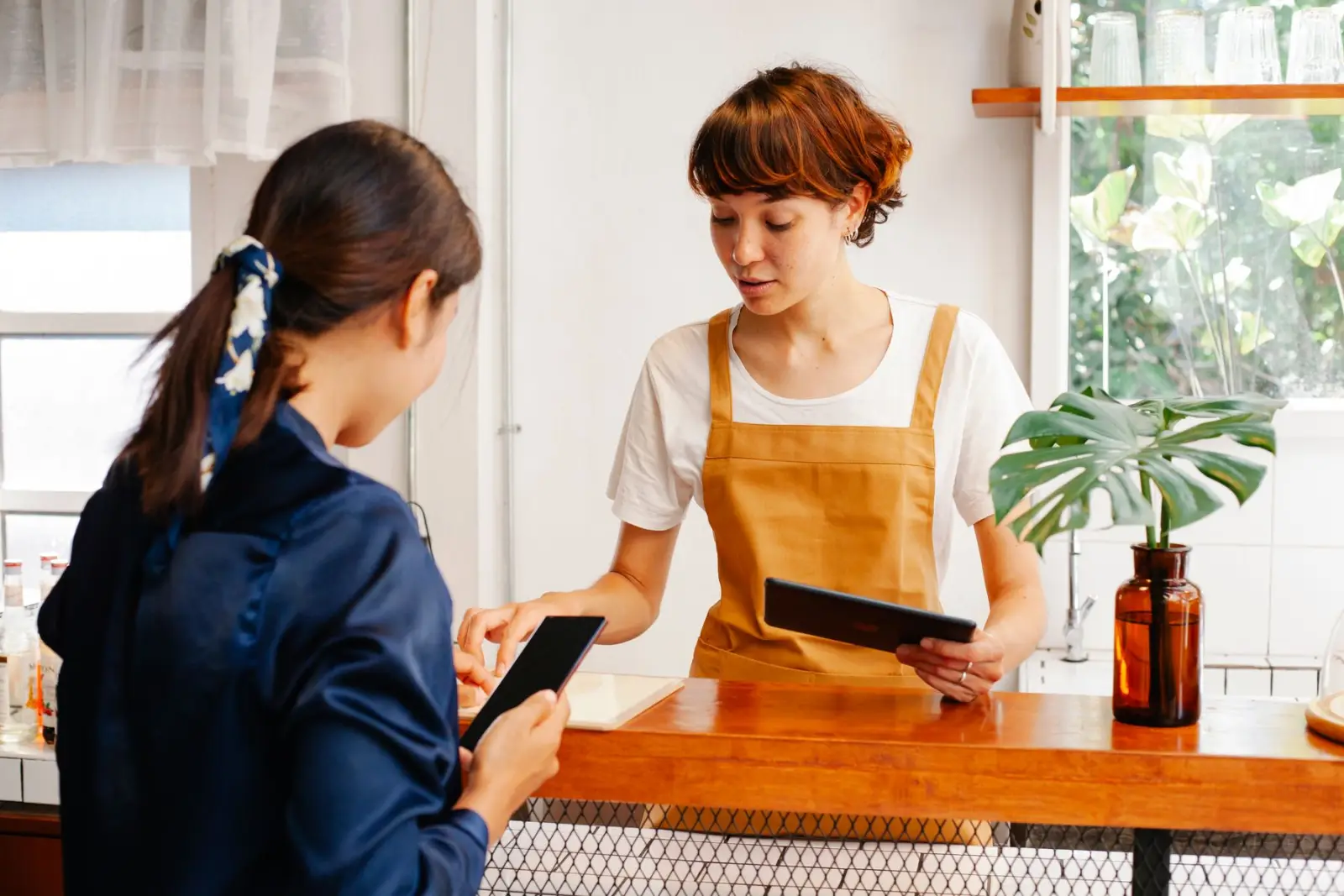
Busy floors lose orders, time and repeat guests
During a rush, guests wait to get a menu, wait to order and wait again for the bill. Waiters run between tables and the kitchen, handwritten tickets get misread, and printed menus go out of date the day a price changes. NexEats moves ordering to the guest's phone so staff can focus on service, the kitchen gets clear tickets, and you always know what is selling.
Faster table turns
Guests order as soon as they sit down and pay without waiting for the bill, so tables free up sooner.
Fewer order mistakes
Orders come from the guest directly, so there are no misheard items or unreadable tickets.
Lower menu printing costs
Update prices, specials and sold-out items in seconds instead of reprinting menus.
Clear view of your business
Know what sells, when you are busiest and how each outlet performs from one dashboard.
Everything NexEats does for you
Guests scan, order and pay from the table while your kitchen gets every order instantly.
- 01
Table QR codes
Unique QR code for each table, room or counter. Guests scan with their phone camera, no app download or sign-up needed.
- 02
Live digital menu
Photos, descriptions, veg and non-veg tags, add-ons and variants. Change prices or mark items sold out and the menu updates instantly.
- 03
Kitchen display and KOT
Orders go straight to a kitchen screen or KOT printer, split by station, with timers so chefs know what to cook next.
- 04
Table and order management
See which tables are occupied, what each has ordered and which bills are open, all from one dashboard.
- 05
UPI and online payments
Guests pay by UPI, cards or wallets from the table, or choose to pay at the counter. Bills settle without waiting for a waiter.
- 06
Call waiter and requests
Guests can call a waiter, ask for water or request the bill with a tap, and staff get the alert on their device.
- 07
Sales and menu analytics
Track best sellers, slow movers, peak hours and average order value so you can plan menus and staffing with real numbers.
- 08
Multi-outlet control
Manage menus, prices and reports for every branch from one account, with outlet level settings where you need them.
- 09
Takeaway and room service
Use the same menu for counter pickup, takeaway and hotel room service orders with separate QR codes for each.
- 10
Multilingual menus
Show your menu in English and regional languages so every guest can read what they are ordering.
How NexEats works
Live in days, not months. We handle the setup and train your team.
- 01
Set up your menu
Upload your items, prices, photos and add-ons, or share your existing menu and our team sets it up for you.
- 02
Place QR codes on tables
Print the table QR codes on stands or stickers. Each code is linked to a table so orders arrive tagged correctly.
- 03
Guests order and pay
Guests scan, browse the menu, place their order and pay online or at the counter when they are done.
- 04
Kitchen prepares and you track
The kitchen receives the order on screen or as a KOT, and you follow orders, tables and sales live from the dashboard.
Who it's built for
NexEats is set up around how each kind of business already works, so your team changes tools, not habits.
See it with your dataDine-in restaurants
Cut waiting time at busy tables and let waiters spend more time on service and less on taking orders.
Cafes and QSRs
Handle quick orders and counter pickup without long queues at the billing desk.
Food courts and cloud counters
Let guests order from multiple counters with one scan and get notified when food is ready.
Hotels and resorts
Offer in-room dining and poolside ordering with QR codes in rooms and common areas.
Bars, lounges and pubs
Take repeat rounds quickly from crowded tables and keep running tabs accurate.
Works with the tools you already use
NexEats connects to the systems you run today, so nothing has to be replaced on day one.
- Payments
 RazorpayPaytmPhonePeCashfree
- POS and accounts
- PetpoojaPosistTally
- Messaging and calls
 WhatsApp
- Data and automation
- Google Sheets
More from Nexzem
Every product is built and run by the same team that builds custom software for our clients.
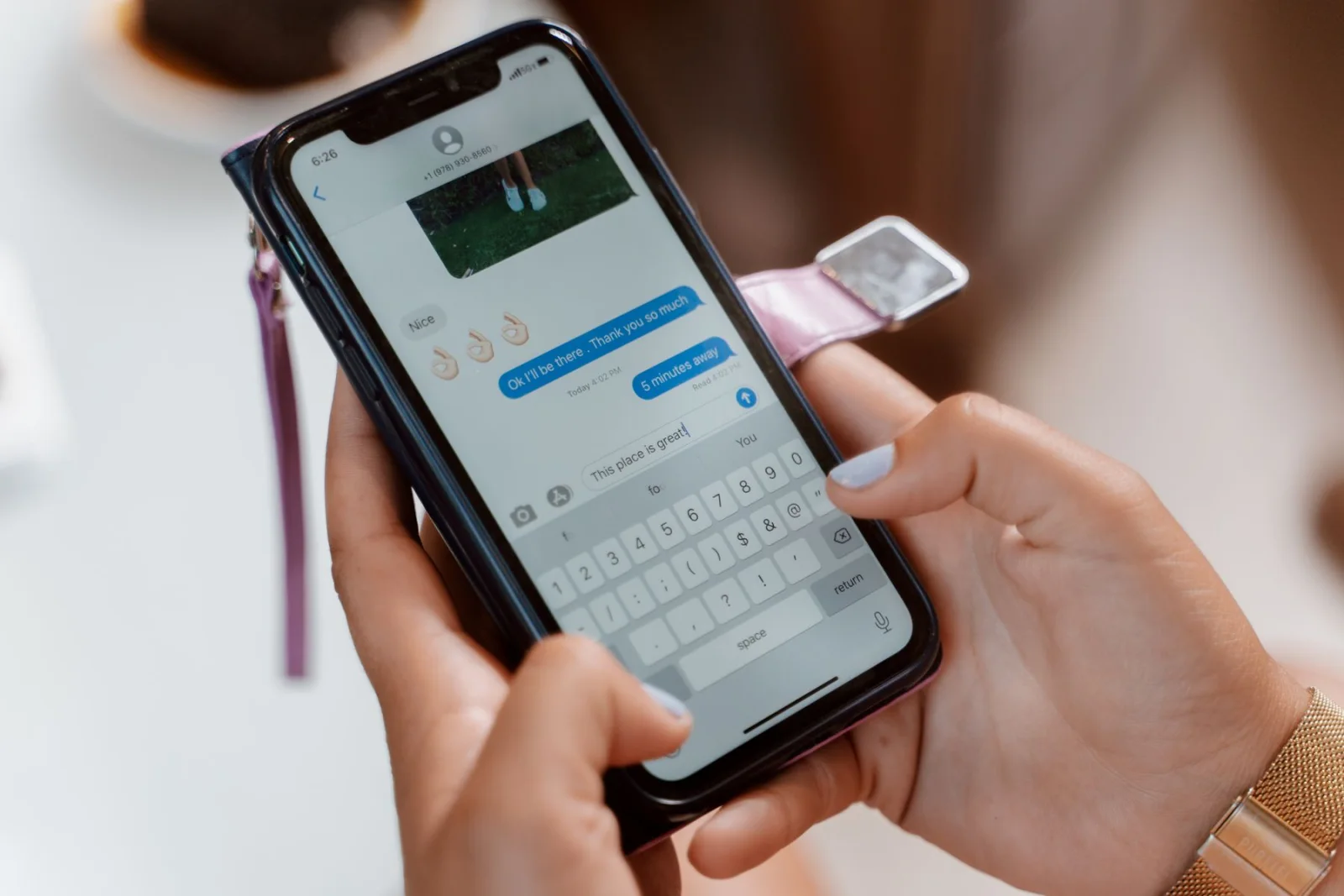
WhatsApp chatbots, campaigns and team inbox
NexChat
Automate replies, run broadcast campaigns and manage customer chats on the official WhatsApp Business API.
Explore NexChat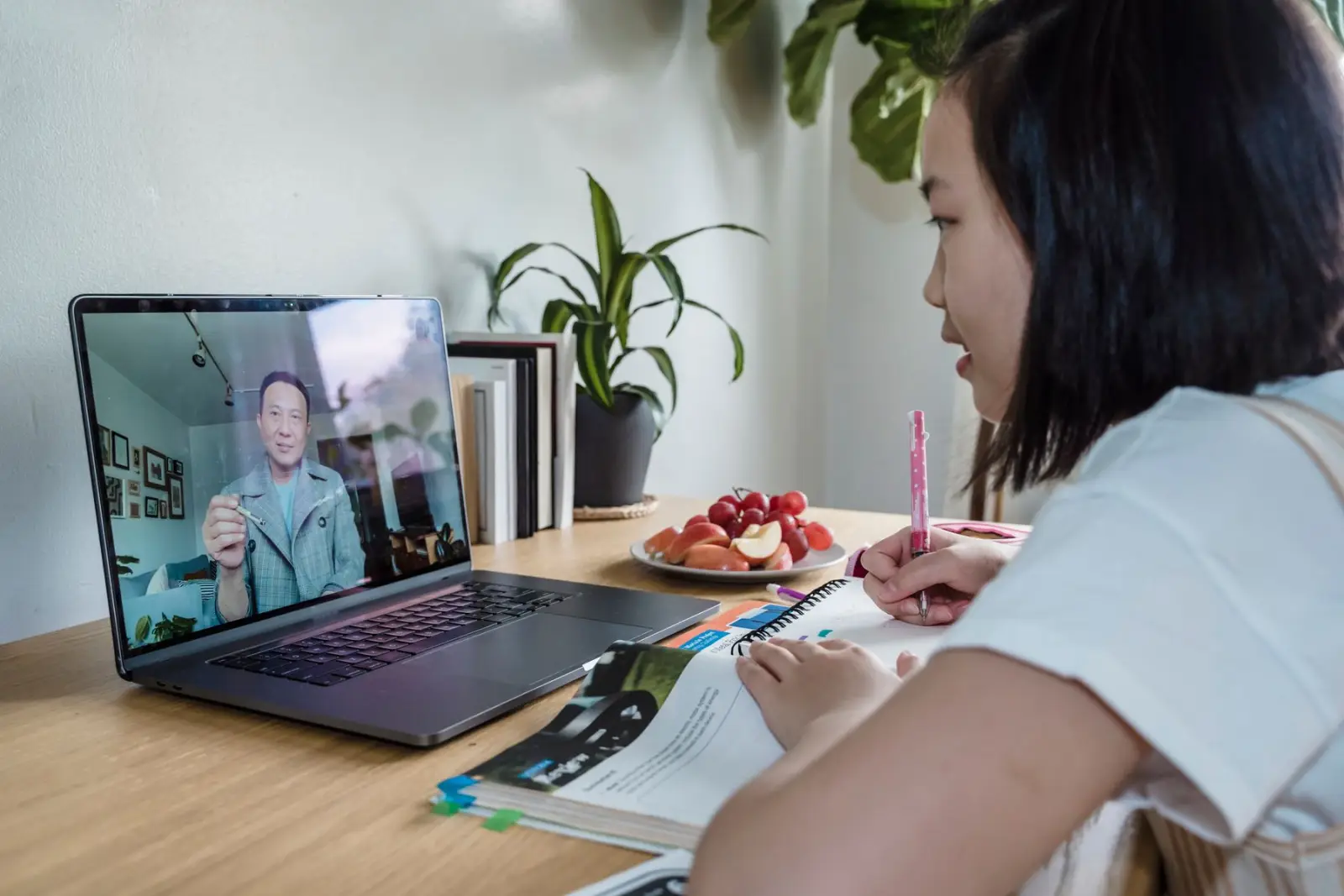
Teach, test and manage students in one place
NexEduHub
LMS, live classes, tests, fees and attendance in one platform for schools, coaching institutes and educators.
Explore NexEduHub
AI voice agents that answer and make calls
NexCall
AI calling agents built for your business that handle support, lead calls, bookings and reminders in many languages.
Explore NexCall
Questions, answered
Something else on your mind? Ask a consultant and get a reply within one business day.
How is NexEats priced?
Plans are based on the number of outlets and the features you need, with no commission on your orders. Book a demo and we will share a quote for your setup.
Do guests need to download an app?
No. Guests scan the table QR code with their phone camera and the menu opens in the browser. They can order and pay without installing anything.
How long does it take to go live?
Most restaurants are ready within a few days once the menu is shared. Multi-outlet setups or POS integrations can take a little longer.
Can NexEats work with my existing POS and billing?
Yes. NexEats can run alongside your current POS, and we can connect it to common restaurant POS systems so orders and bills stay in sync.
Which payment methods are supported?
Guests can pay by UPI, debit and credit cards, net banking and wallets through supported payment gateways, or choose to pay cash at the counter.
Do I need special hardware for the kitchen display?
No. The kitchen display runs on any tablet, laptop or smart TV with a browser. You can also keep using a KOT printer if your kitchen prefers paper tickets.
See NexEats working for your business
Book a live demo. We'll set it up with your own data so you can judge it properly.
- 01
Share the brief
Use the form, call, or message us on WhatsApp. A few lines is enough.
- 02
Reply within one business day
A solutions consultant answers, Mon to Sat, 09:30 to 18:30 IST.
- 03
Next steps, estimate and team
A rough estimate and a suggested team, before you commit to anything.